
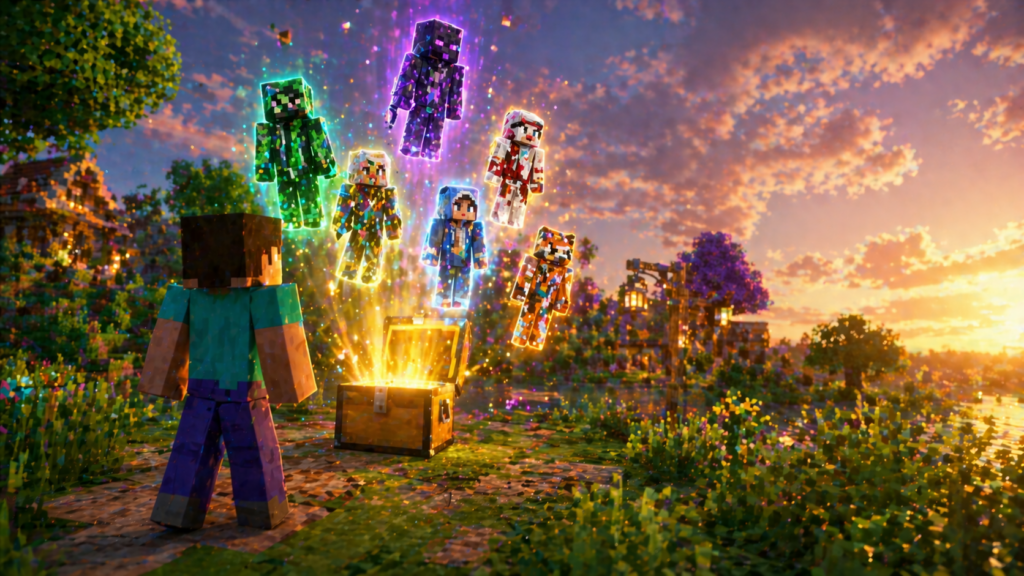
1. Java Edition Custom Skins — Completely Free
What it is: The ability to use any custom skin on your Minecraft Java Edition character, uploaded directly through your Microsoft account. No Minecoins, no purchases, no strings attached.
What you need: A Minecraft Java Edition account and a skin file in PNG format.
How to do it:
Go to minecraft.net and sign into your Microsoft account. Navigate to your profile page and find the skin section. You can upload a PNG file directly from your computer — the standard skin template is 64×64 pixels.
If you don’t want to create a skin from scratch, go to nammc.com or theskindex.com. Both are free community platforms where players share thousands of custom skins — characters, celebrities, video game icons, original designs. Find one you like, download the PNG, and upload it to your profile. It shows up in-game immediately.
Switching skins:
Java Edition supports multiple saved skin slots. You can save several skins to your profile and switch between them from the main menu under the Skins tab — no re-uploading required once they’re saved.
2. Bedrock Edition Character Creator — Free Items Built Into the Game
What it is: A built-in customization system in Bedrock Edition with a large selection of free cosmetic items available to every player at no cost.
What you need: Any version of Minecraft Bedrock Edition — console, mobile, or Windows.
How to access it:
From the Minecraft main menu, go to Settings → Profile → Edit Character. The Character Creator opens with your current character. Browse through the available categories — body, skin tone, eyes, hair, outfit, accessories — and look for items marked as free. These are available immediately with no purchase required.
What’s free:
The free selection includes a solid range of base customization options: multiple hairstyles, facial feature variations, body proportions, and a rotating selection of outfit pieces and accessories that Mojang adds over time. It’s not the full catalog — premium items still cost Minecoins — but it’s enough to build a character that looks nothing like the default Steve.
New free items:
Mojang adds new free Character Creator items periodically, usually tied to game updates or community milestones. There’s no notification system for this — the new items just appear in the Creator when they’re added. Checking the Creator every few weeks takes about a minute and makes sure you’re not missing anything.
3. Prime Gaming Drops
What it is: Free Minecraft cosmetic content delivered monthly to Amazon Prime members through the Prime Gaming platform.
What you need: An Amazon Prime account — paid subscription or active free trial — and a Microsoft account linked to your Minecraft profile.
How to claim:
Go to gaming.amazon.com and sign in with your Amazon credentials. Search for Minecraft in the available games or look for it in the featured drops section. When a Minecraft drop is active, click Claim. If your Microsoft account isn’t linked yet, the page will prompt you to connect it — the process takes about two minutes.
Once claimed, the content appears in your Minecraft account. In Bedrock Edition, check the Marketplace or your Character Creator for the new items. In Java Edition, skin drops are applied directly to your profile.
Timing:
Prime Gaming drops rotate monthly and have expiration dates. Once a drop window closes, the item is gone permanently — it won’t return in future rotations. Check the Prime Gaming page at least once a month to stay current. If you have a household Amazon Prime membership, the drop applies to whatever Microsoft account you link, regardless of who pays for Prime.
4. Minecraft Anniversary and Seasonal Events
What it is: Free in-game content that Mojang releases around Minecraft’s anniversary and major seasonal moments — cosmetics, capes, and Character Creator items given to players who log in during the event window.
What you need: An active Minecraft account and the game installed.
How to find them:
The Minecraft Launcher news section shows active events when you open it. The official Minecraft website and @Minecraft on X also announce event content as it goes live. Any post mentioning “free” or “limited time” is worth clicking immediately — these windows are usually one to two weeks long.
Past anniversary events have included exclusive capes for Java Edition players and free Character Creator bundles for Bedrock players. Capes in particular are rare cosmetics in Minecraft — they’re not sold in the Marketplace and have no other way to obtain them outside of specific events and legacy programs. Missing an anniversary cape means missing it permanently.
5. Free Marketplace Content in Bedrock Edition
What it is: A section of the Minecraft Marketplace dedicated to free maps, texture packs, skin packs, and worlds — official content from Mojang and Marketplace partners available at no cost.
How to find it:
Open Minecraft Bedrock Edition and go to the Marketplace from the main menu. In the search or browse section, filter by price: Free. This pulls up all currently available free content — worlds, skin packs, texture packs, and adventure maps that have been made available at no charge.
The free catalog isn’t as large as the paid side, but it includes legitimately good content — full adventure maps, complete skin packs with multiple characters, and texture packs that overhaul the game’s visual style entirely. New free content gets added periodically, so the selection today is different from what was there six months ago.
Staying on top of new free content
The players with the best-looking characters in Minecraft aren’t necessarily spending more. They’re paying attention. Prime Gaming drops expire. Anniversary events close. Character Creator freebies get added without announcements.
A simple routine that covers all of it: check Prime Gaming once a month, follow @Minecraft on X with notifications on, and open the Character Creator and Marketplace free section every few weeks. That’s genuinely enough to catch almost everything.
The free content is there. It just requires showing up before the window closes.
You will be redirected to the official website.
This content is for informational purposes only. We are not affiliated with Mojang or Minecraft. All methods mentioned are official and legitimate. Availability may vary by region and time. Never share your account credentials or use third-party tools.

 A Safer Roblox Gift Card Guide for Getting More Value From Robux <p class='sec-title' style='line-height: normal; font-weight: normal;font-size: 16px !important; text-align: left;margin-top: 8px;margin-bottom: 0px !important;'>Learn how to get more value from Roblox gift cards and make every Robux count before you buy.</p>
  The Brawl Stars Gems Guide Players Should Check Before Buying Anything <p class='sec-title' style='line-height: normal; font-weight: normal;font-size: 16px !important; text-align: left;margin-top: 8px;margin-bottom: 0px !important;'>Discover what’s actually worth buying in Brawl Stars so you get the most value from every Gem.</p>
  A Smarter Minecraft Minecoins Guide for Players Who Want Better Value <p class='sec-title' style='line-height: normal; font-weight: normal;font-size: 16px !important; text-align: left;margin-top: 8px;margin-bottom: 0px !important;'>Avoid wasting Minecoins—discover the best strategies to maximize value before you buy.</p>